Charge for your event with an external payment link
Guests pay you directly through your own external payment link, such as Tikkie, PayPal, Stripe or a bank transfer. You decide who gets a place, and you mark each guest as paid when the money arrives.
Last updated 17 October 2026
How it works
- A guest asks to join.
- You approve them. We keep a place for them and email them your external payment link.
- They pay you.
- You mark them as paid. Now they are going.
1. Add your external payment link
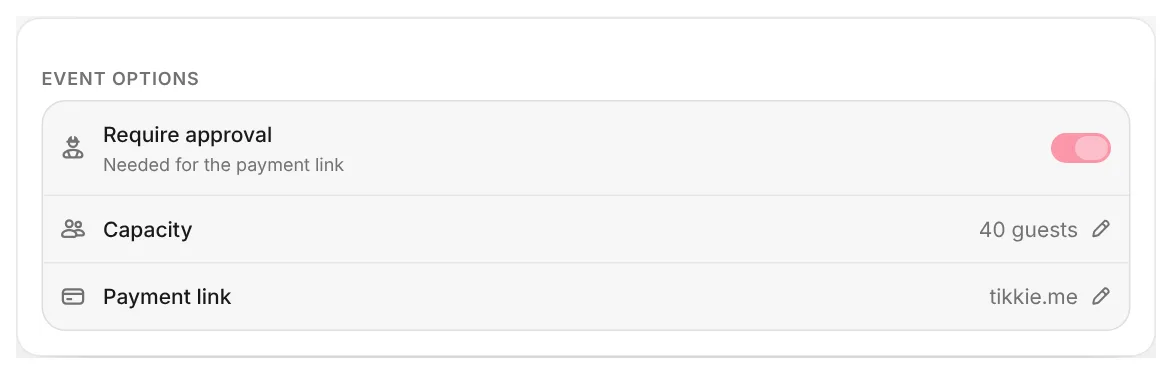
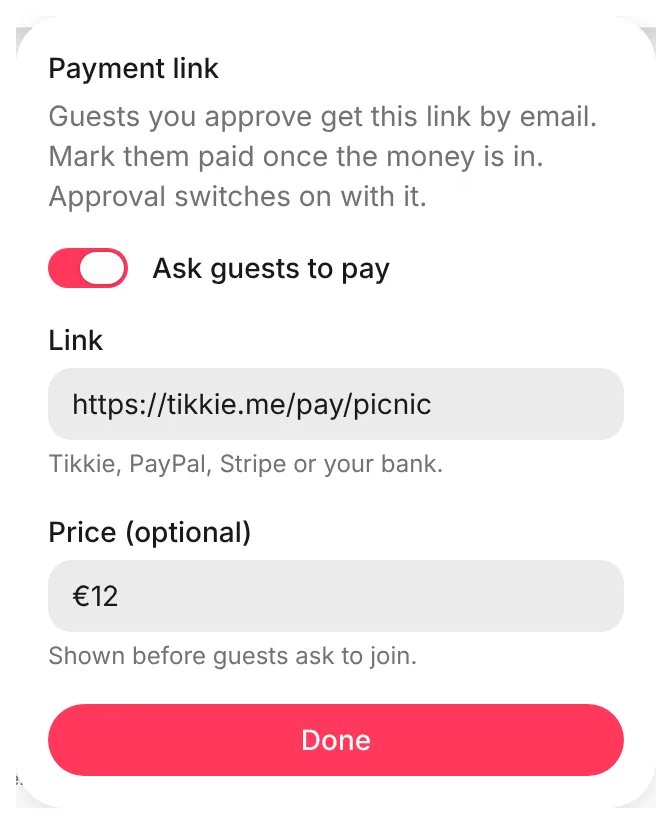
Open your event and find Event options. Tap Payment link and switch on Ask guests to pay. Paste your external payment link. You can add a price too, such as €12. Tap Done, then save your event.
With an external payment link, Require approval switches on and stays on. Approving each guest is how you know who a payment is from.
2. A guest asks to join
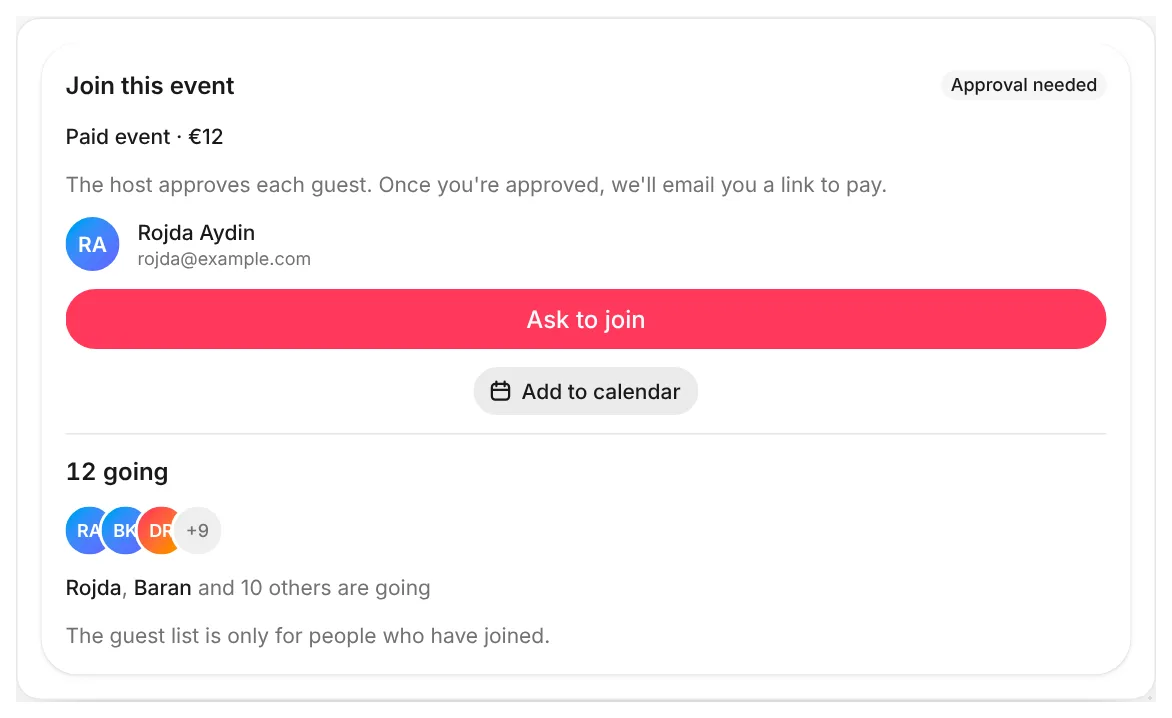
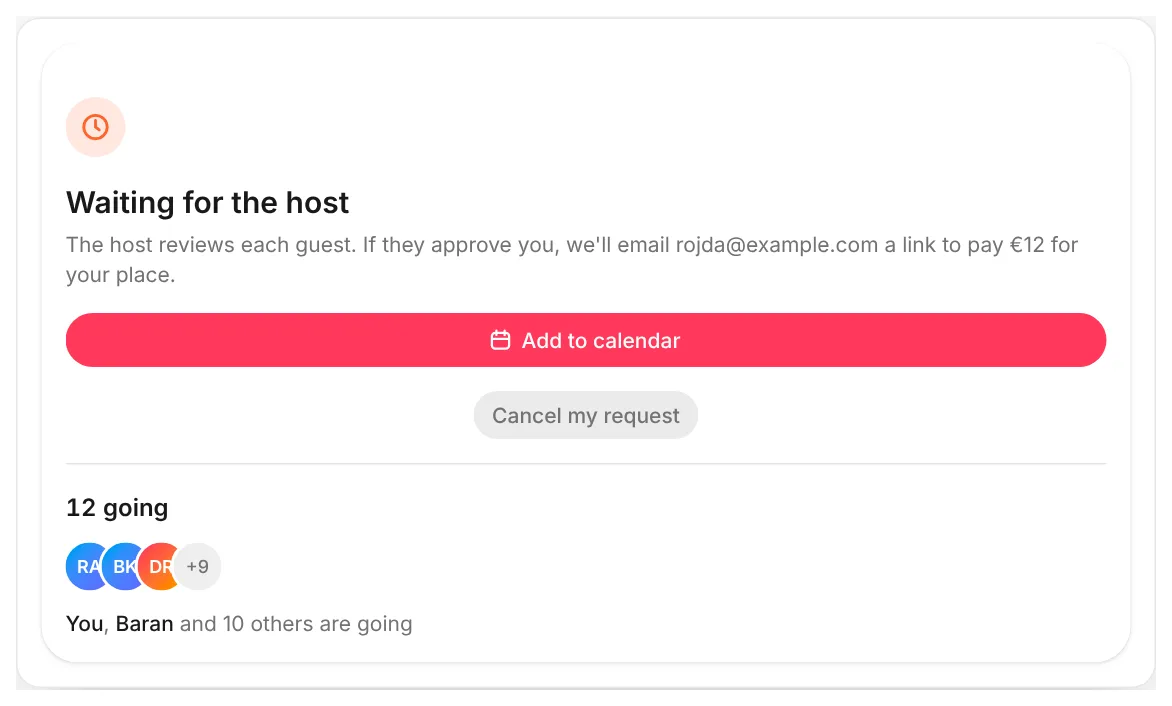
Everyone can see that your event is paid, and its price. A guest taps Ask to join to send you a request. A request does not take a place, and the guest does not get your external payment link yet.
3. Approve the guest
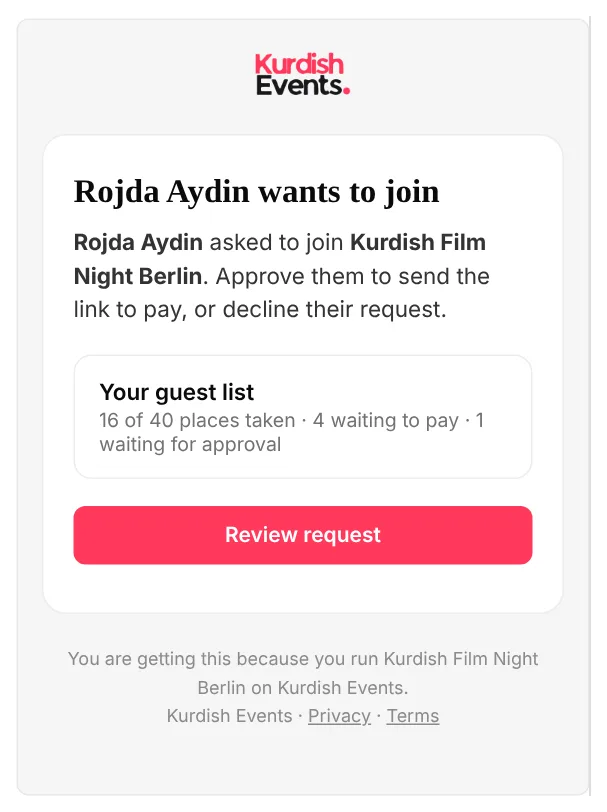
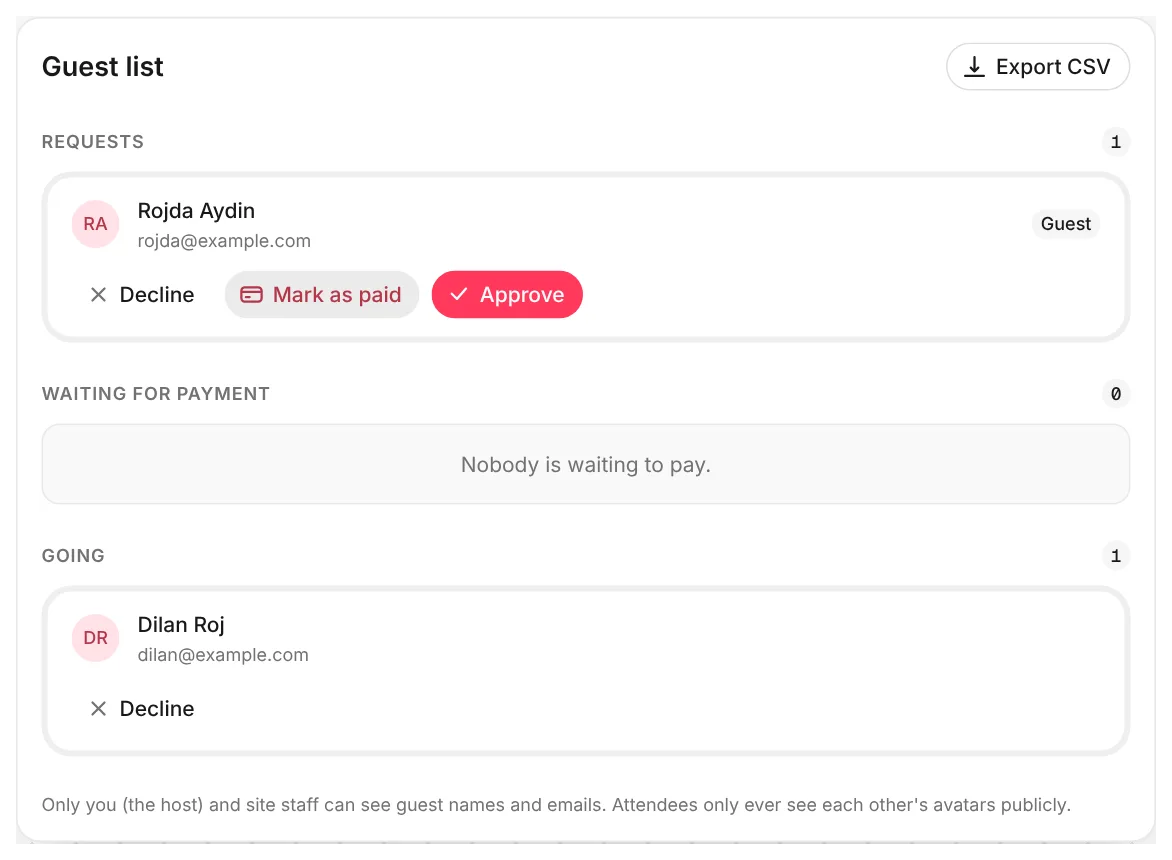
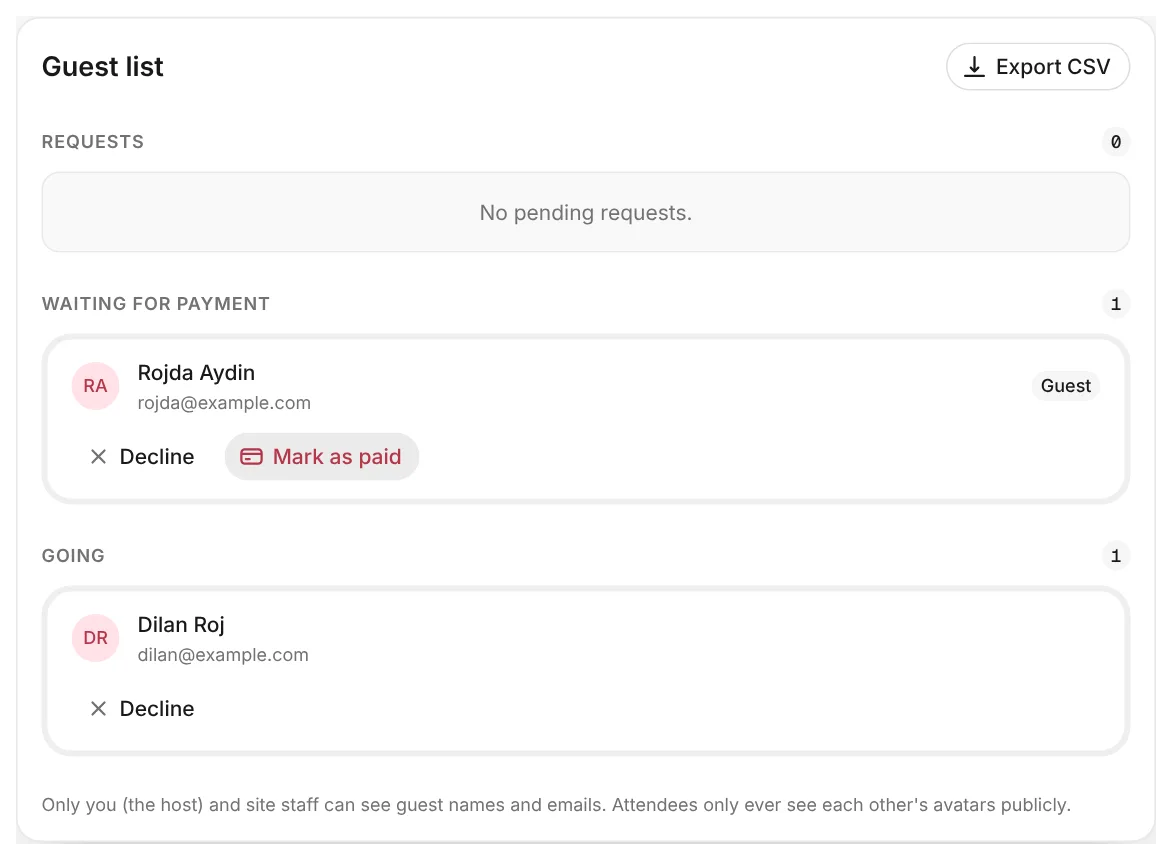
We email you and send you a notification for every request. Open your event and go to the Guests tab. Each request has three buttons:
- Approve: we keep a place for the guest and email them your external payment link.
- Mark as paid: for a guest who already paid you another way, in cash for example. They are going straight away, if a place is free.
- Decline: the guest does not get a place. We email them to say so.
4. The guest pays you
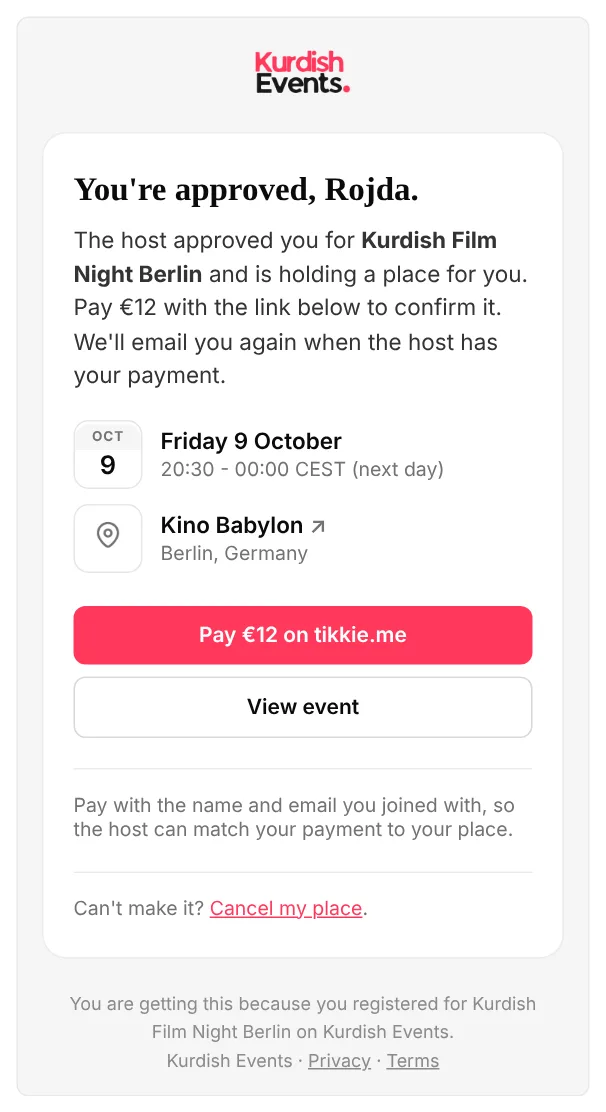
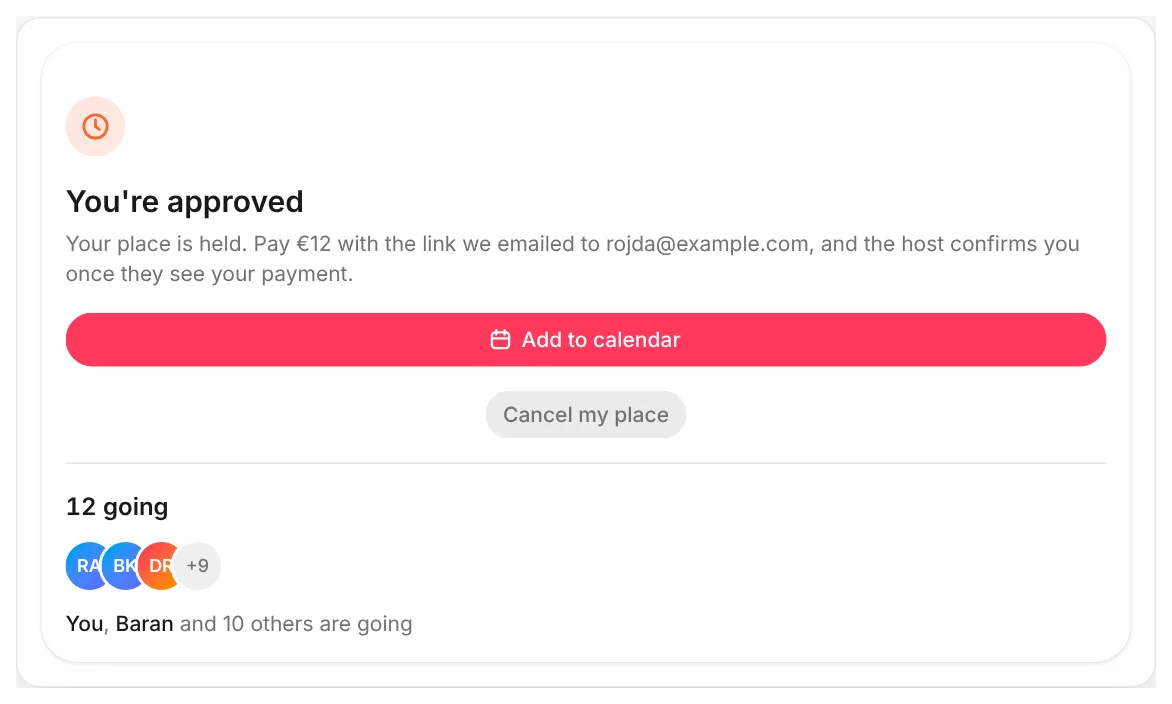
The guest gets an email with a button that opens your external payment link. We ask them to pay with the name and email they joined with, so you can see who paid. The link is only ever sent by email. It never appears on the event page.
5. Mark them as paid
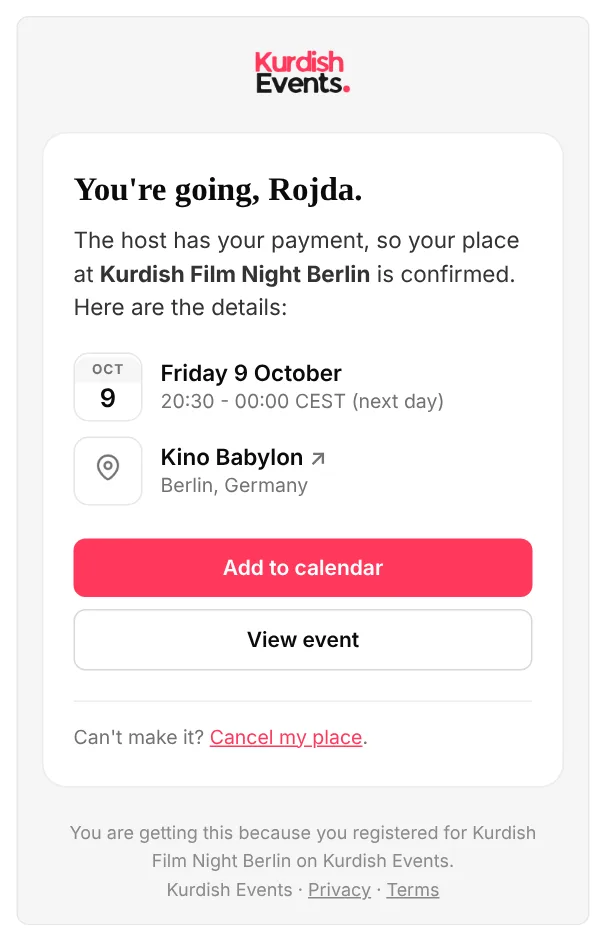
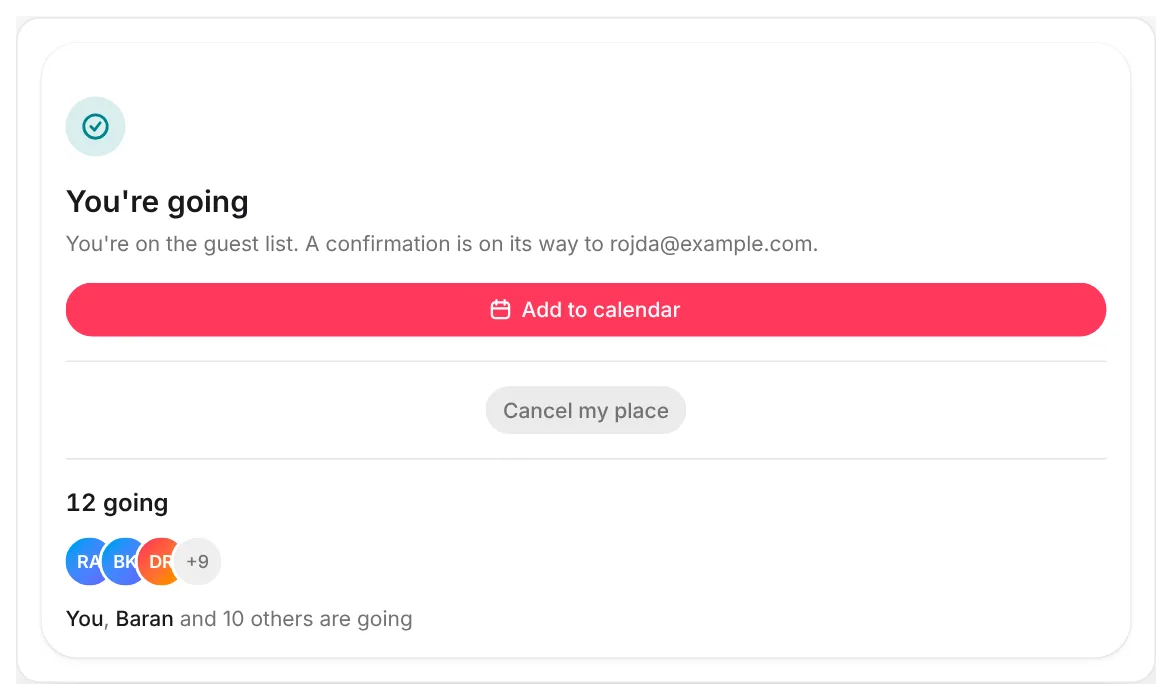
When the money arrives, find the guest under Waiting for payment and tap Mark as paid. They are going now, and we email them to confirm.
When your event is full
A guest you approve keeps their place until you mark them as paid or decline them. So you never ask more people to pay than you have places.
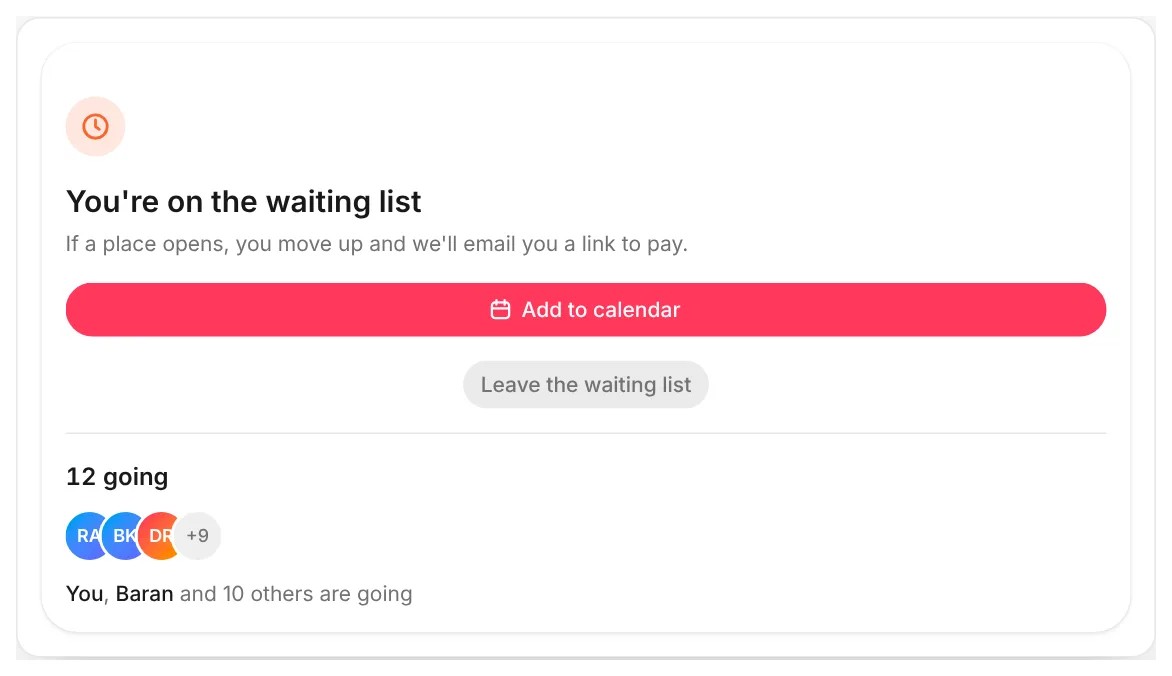
When every place is taken, a guest you approve goes on the waiting list. They do not get your external payment link yet. When a place comes free, we keep it for the next guest on the list and email them the link.
If your waiting list is switched off, you cannot approve anyone while every place is taken. Decline someone or allow more guests first.
Declining a guest
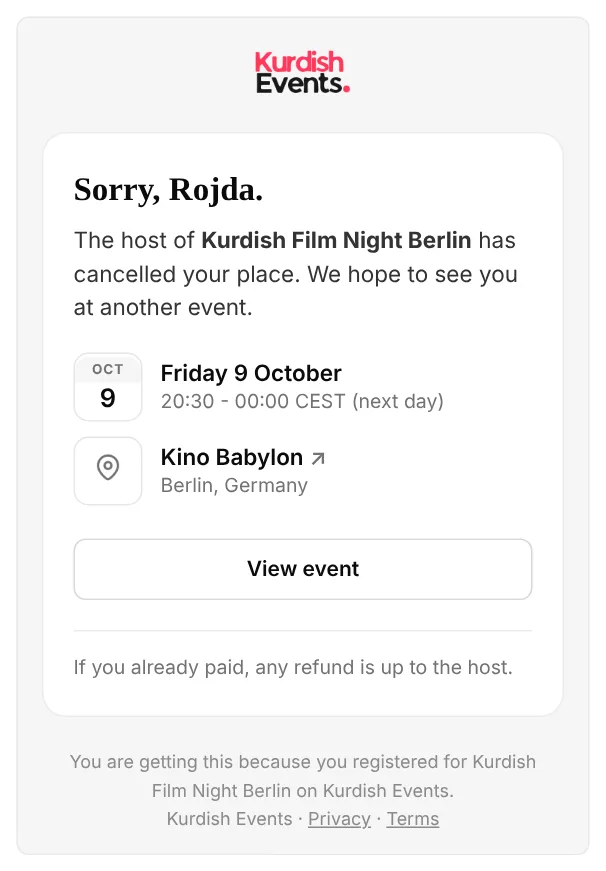
You can decline any guest at any time, even one who has paid. If they have a place, we ask you to confirm first. We email the guest, and the next person on the waiting list moves up.
Refunds are between you and the guest. Our email says so, and promises nothing for you.
Common questions
Do guests get a reminder to pay?
No, and nothing is cancelled automatically. A guest may have paid before you had time to check. You decide: mark them as paid, or decline them.
Can I change or remove my external payment link?
Yes. If you change it, we email the new link to everyone who still has to pay. If you remove it, everyone who still has to pay is confirmed as going, and we tell them.
Who can see my external payment link?
Only the guests you approve, in their email. Everyone else sees only that the event is paid, and its price.
Can a guest cancel?
Yes, from the event page or from their email. Their place goes to the next person on the waiting list. Refunds are up to you.
Need more help?
Email us at hello@kurdish.events. A real person will reply.